
Bulin 47 AI Video Ideas: Photos That Actually Work
Bulin 47 AI video ideas for portraits, pets, costumes and characters, plus the photo rules that keep the main face stable.
Start with the photo, not the prompt
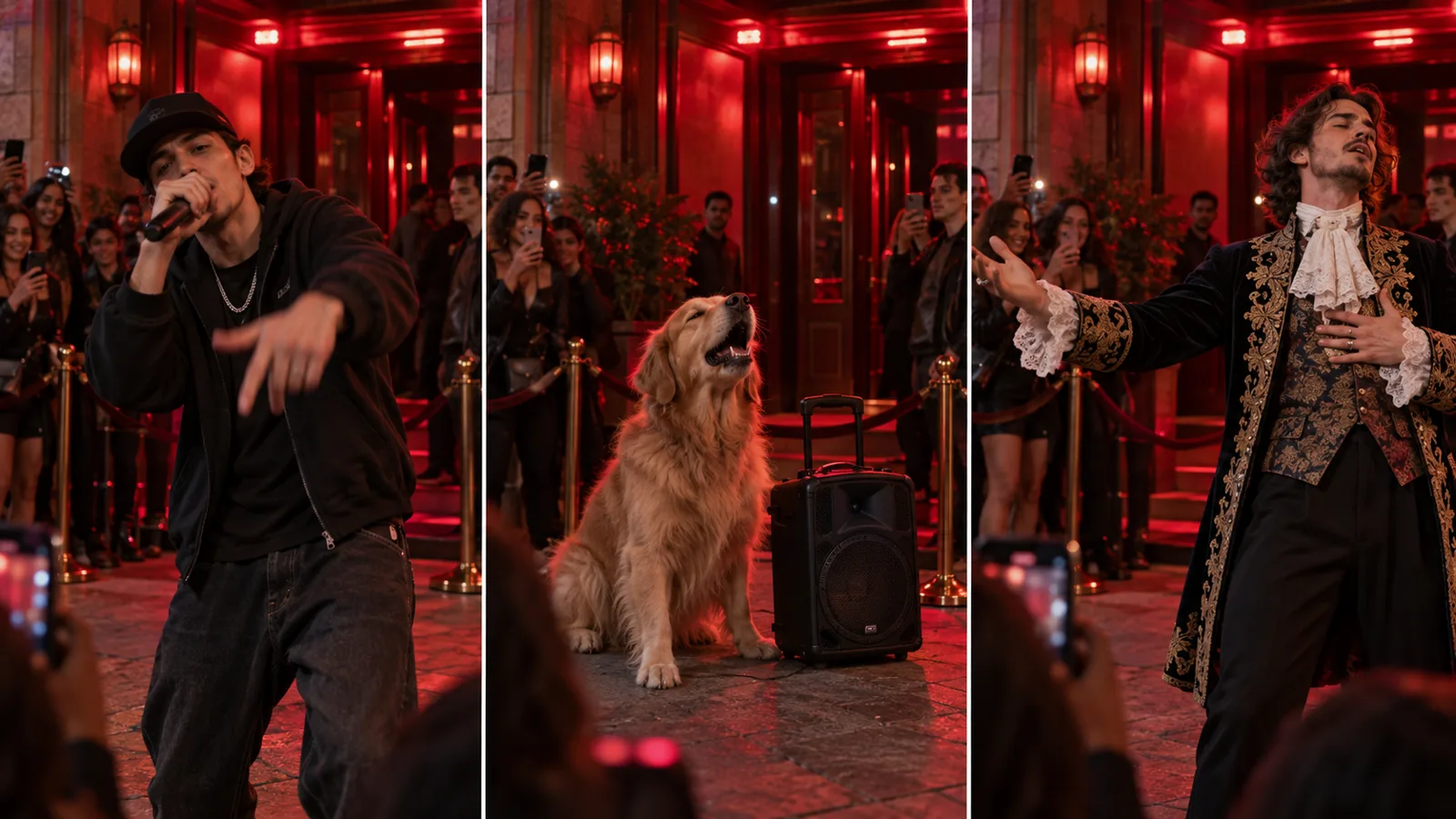
Every Bulin 47 AI video is decided before you press generate, because the main creative choice is which photo becomes the performer at the centre of the street. The scene, camera and action beats are fixed.
That makes the source photo the whole idea. Below are formats that work well with one portrait.
Friends and siblings
A person with a strong expression or recognizable look carries the format best:
- A friend from another city freestyling on the same generated street
- A sibling finally getting their verse in
- A roommate pointing at the camera, unconvinced
- A group-chat member turning an inside joke into a short clip
Couples
A couple can turn one strong portrait into a character-led performance. Choose a photo with a clear expression instead of a distant group shot:
- A long-distance partner appearing in a shared generated scene
- An anniversary post built around a favorite portrait
- A pet owner turning a familiar expression into a clip
Family and pets
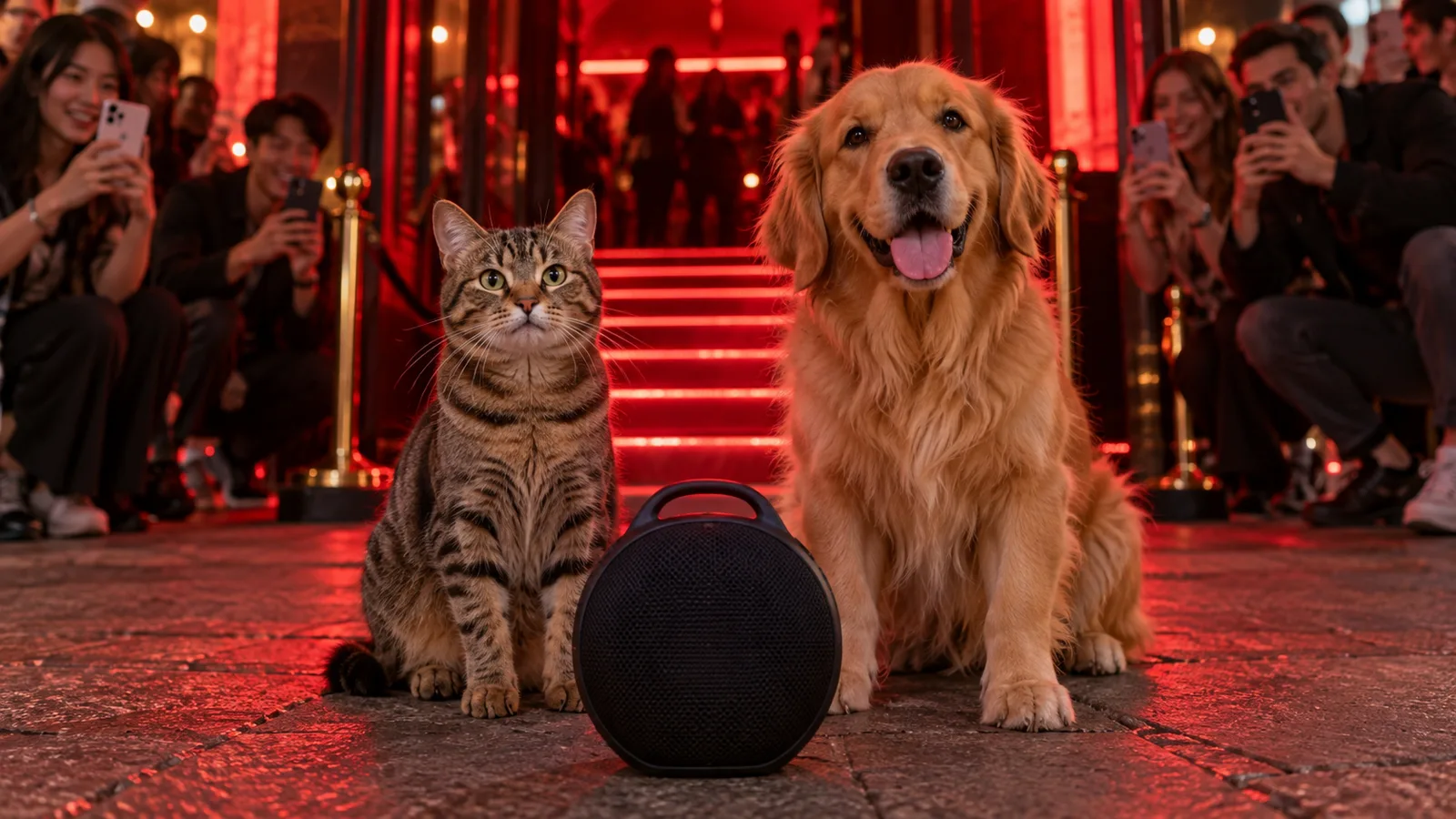
Pets work surprisingly well because fur markings and proportions carry across, so a cat still looks like your cat:
- A parent and a grown child, using one photo from each decade
- Cat and dog who share a house but never a frame
- A pet and its owner, both leaning into the same frame
- Two pets from the same litter, now living apart
Characters and props
The format does not require people. Costumes, mascots and objects that read as characters all work:
- Two figures from a game or comic, staged as a face-off
The photo rules that keep faces stable
Ideas fail for boring reasons, not creative ones. Before you upload, check each photo against these:
- One subject per photo - group images make the main identity ambiguous
- Face the camera, eyes visible, no sunglasses or heavy beauty filters
- Even lighting; backlit or flash-blown photos lose facial detail
- Anything from portrait to square crops; blurry photos are the main cause of unstable faces
Ideas that look good but fail
Some ideas sound better than they render, and it is worth knowing which before you spend a video on them.
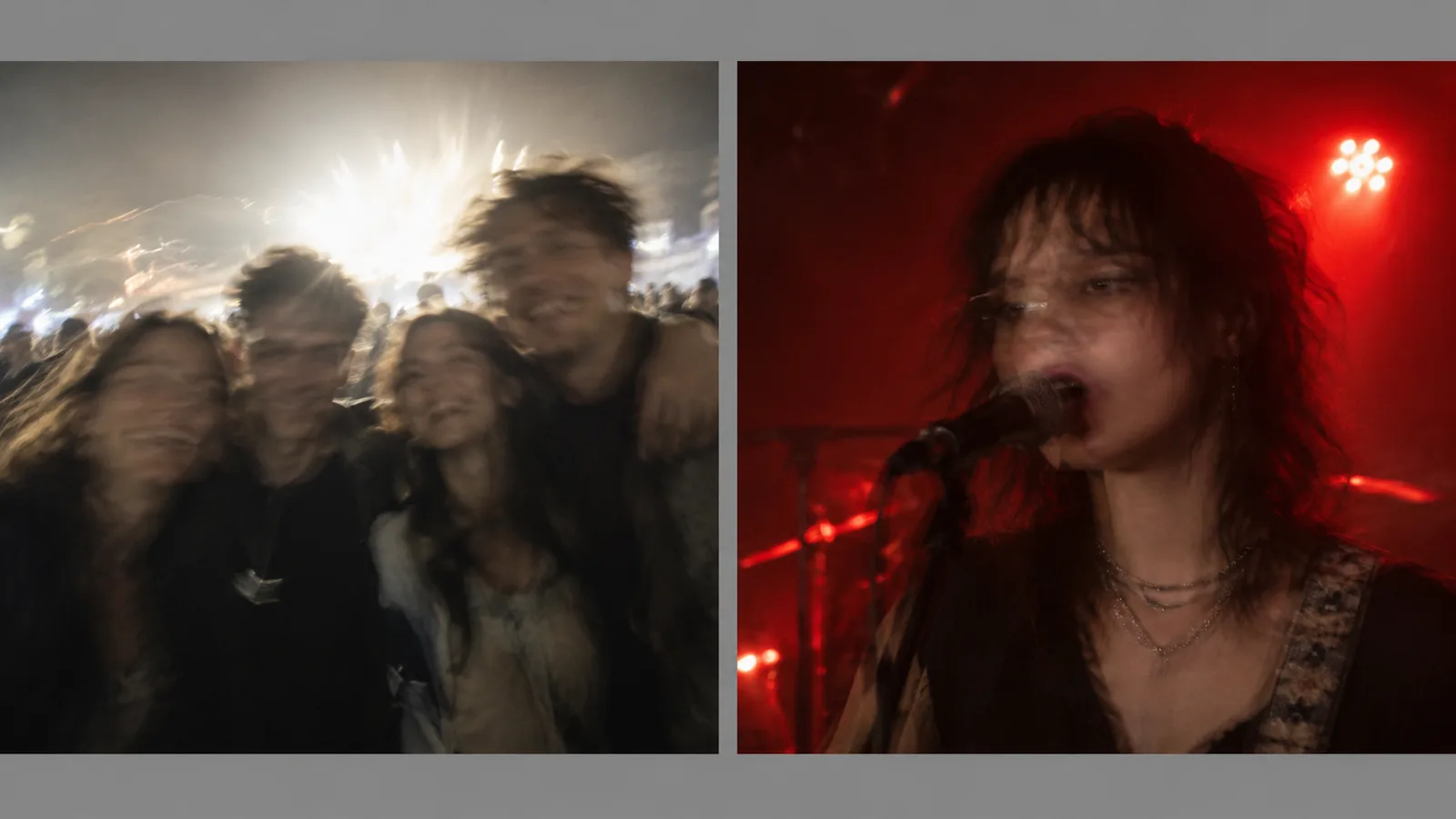
Group photos are the most common mistake: a picture with four friends looks like a great idea, but the model has to choose a main face and often blends details. Use one clear subject instead. The same applies to screenshots, memes and photos where the subject is small in frame - the face has too few pixels to survive the render.
Heavy filters are the second trap. A beauty filter that smooths skin also removes the small asymmetries the model uses to preserve identity, which is why filtered portraits often come back looking generic.
Turn an idea into a clip
Pick a portrait, upload it into the Bulin 47 AI video generator, and let the fixed street prompt handle the scene. Nothing else to configure.
If you want to see the scene first, browse the Bulin 47 AI video generator page; the Bulin 47 AI prompt page explains the action sequence.
Packs are one-time and start at $9.90 for a single video - see the pricing page for what each pack includes.